The SQL Server Alerts page shows alerts associated with a specific monitored SQL Server. Use it to focus triage on one instance instead of the whole estate.
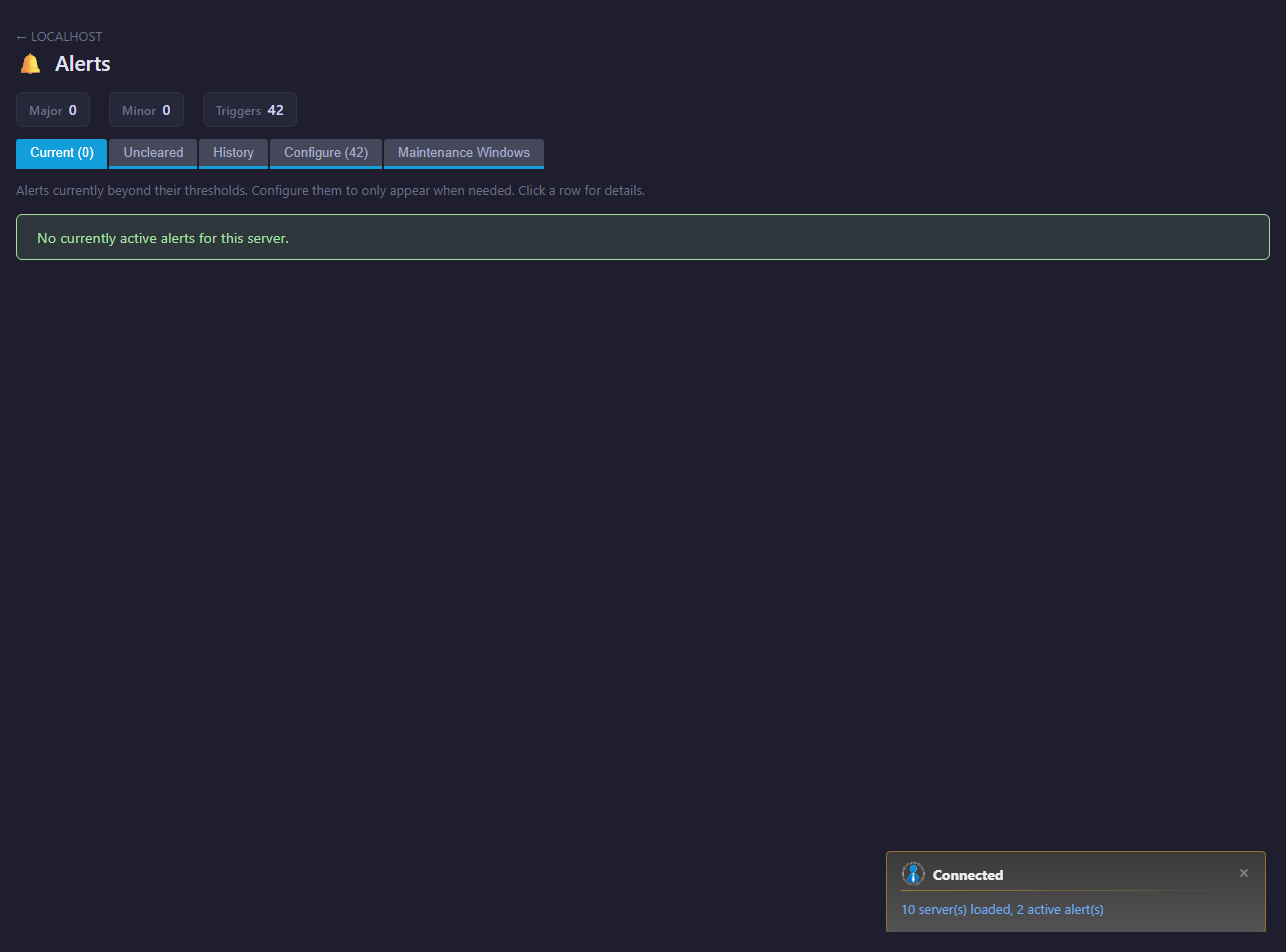
> Community Edition: If this SQL Server is monitored by a Community Edition engine, selecting Alerts shows an explanation instead of this alert-management page. Connect it through a trial or licensed engine to enable alert evaluation, history, configuration, and notifications. Licensed-engine servers remain fully enabled in mixed-engine Consoles. See Alert availability.
What to use it for
- Review active SQL Server issues.
- See recent alert history for the instance.
- Connect alert messages to the relevant SQL Server monitoring page.
- Confirm whether an alert has cleared after remediation.
Workflow
- Open the SQL Server in the navigation tree.
- Select Alerts.
- Review severity, time, and message.
- Open the relevant page such as Activity, Waits, Files, Always On, or Health Checks.
- Use Configure and Copy Config to edit or copy alert policy.
- Configure delivery from the global Alerts and settings pages.
How to use SQL Server alerts
SQL Server Alerts is the focused alert view for one monitored SQL Server instance. Use it during incidents, daily operations, and follow-up reviews when you already know which instance is affected. It reduces estate-wide noise and helps connect an alert to the relevant SQL Server monitoring page.
Start with alerts that are high severity, new, recurring, or close to the user-reported time. Then validate the evidence. Performance alerts may need SQL Server Activity, SQL Server Queries, or SQL Server Waits. Storage alerts should be compared with SQL Server Files and SQL Server Drives. Availability alerts may require SQL Server Always On and SQL Server Error Log.
For repeat issues, document the owner, action, and outcome rather than only acknowledging the alert.
Use Copy, Export, And Import Alert Configuration when this SQL Server should share thresholds, enabled states, custom alerts, and notification routing with another SQL Server or with a template server on another connected engine.
SQL Server alert FAQ
Why use server alerts instead of global alerts?
Use this page for one instance. Use global Alerts for estate-wide triage and prioritization.
Can an alert prove root cause?
Usually no. Alerts identify conditions. Related monitoring pages provide the evidence needed for diagnosis.
What if the same alert repeats?
Check whether the threshold, workload, maintenance schedule, or unresolved root cause explains the recurrence.
Alert type reference
The following Mini DBA SQL Server alert detail pages explain why each alert is useful, when to enable it, how to tune thresholds, and what remediation steps to take when the alert is active. Custom Alert is included because each server Alerts page can also hold user-defined query alerts.
| Alert | Category | Detail |
|---|---|---|
| Custom Alert | Custom | Open detail |
| Agent Not Running | Availability | Open detail |
| Always On Database Unhealthy | Availability | Open detail |
| Always On Failed To Start | Availability | Open detail |
| Always On Failover | Availability | Open detail |
| Always On Replica Unhealthy | Availability | Open detail |
| Always On Transaction Delay | Availability | Open detail |
| Database Mirroring State Change | Availability | Open detail |
| Database Off-line | Availability | Open detail |
| Maximum Connections | Availability | Open detail |
| No Connection | Availability | Open detail |
| Instance Cpu % | CPU | Open detail |
| Non Instance Cpu % | CPU | Open detail |
| Average Data File Write Time | Disk | Open detail |
| Average Log Write Time | Disk | Open detail |
| Backup Restore | Disk | Open detail |
| Data File Write Time | Disk | Open detail |
| Disk Queue Length | Disk | Open detail |
| File Auto Growth Time | Disk | Open detail |
| File Size Limit | Disk | Open detail |
| Free Disk Space | Disk | Open detail |
| Free Disk Space % | Disk | Open detail |
| Full Transaction Log | Disk | Open detail |
| IO Error | Disk | Open detail |
| Log Write Time | Disk | Open detail |
| Tran Log % Used | Disk | Open detail |
| Error Log High Severity | General | Open detail |
| Error Log Medium Severity | General | Open detail |
| Failed Job | General | Open detail |
| Failed Login | General | Open detail |
| Buffer Hit Ratio | Memory | Open detail |
| Instance Memory | Memory | Open detail |
| Insufficient System Memory | Memory | Open detail |
| OS Memory State | Memory | Open detail |
| Page Life Expectancy | Memory | Open detail |
| Plan Hit Ratio | Memory | Open detail |
| Alert Send Error | Monitoring | Open detail |
| Blocked Processes | Query | Open detail |
| Blocking Processes | Query | Open detail |
| Deadlocks | Query | Open detail |
| Long Running Queries | Query | Open detail |
| Sort Warning | Query | Open detail |